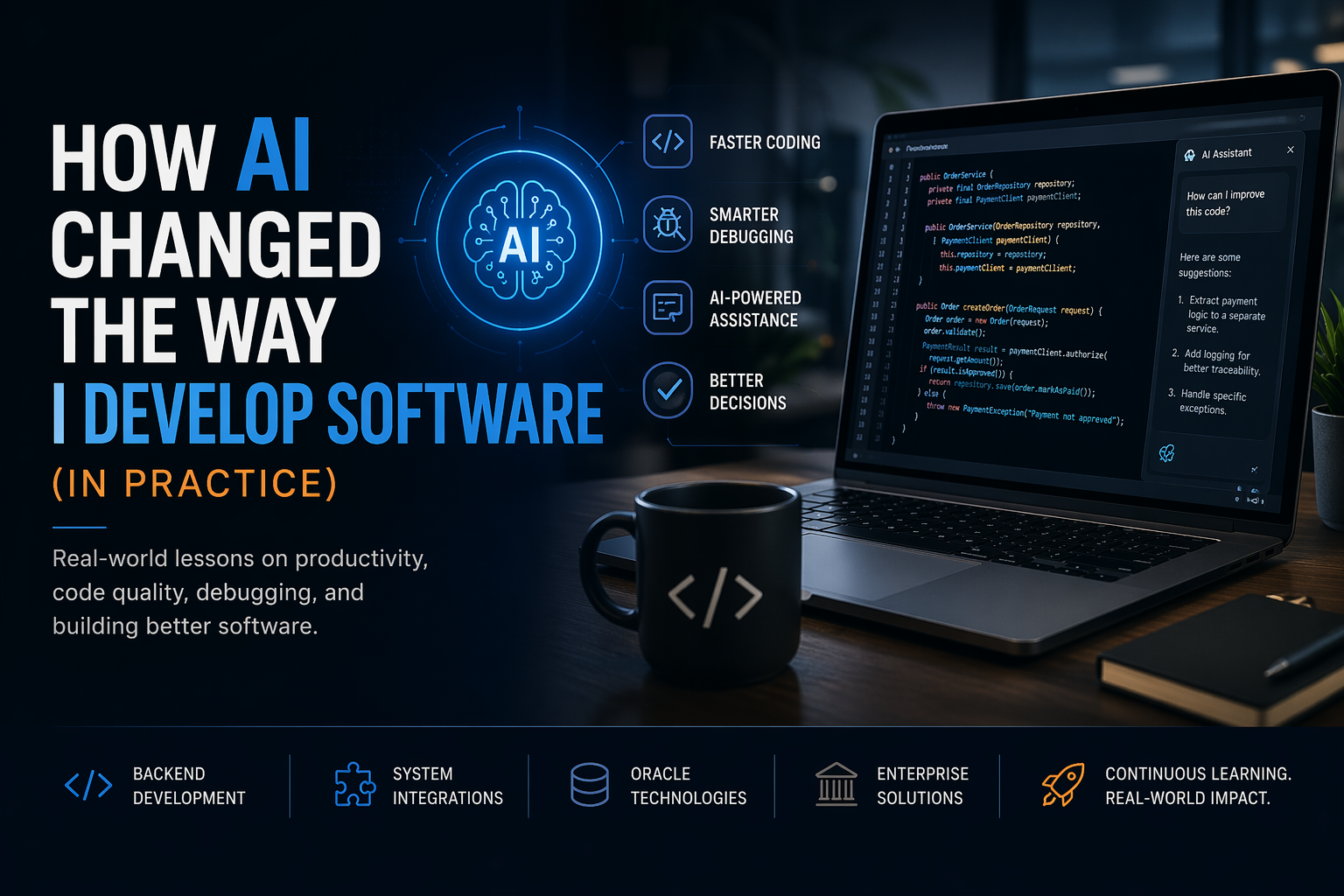
If someone had told me a few years ago that I would use Artificial Intelligence in my daily work to develop software, I would probably have thought of something distant — almost futuristic.
But today, to be very direct:
AI is already part of my development workflow — and it is no longer optional.
And I’m not talking about theory or hype.
I’m talking about real-world problems: OSB errors, complex Oracle queries, ADF validations… the kind of issues we deal with every day.
The turning point: when it stopped being just “autocomplete”
At first, I saw AI as something similar to a more advanced autocomplete.
But that changed quickly.
What really makes a difference today is not just code completion — it’s context understanding.
Modern tools are able to analyze broader scenarios and suggest structural improvements, not just isolated lines of code.
That’s when it clicked for me:
I was no longer just writing code.
I was working with a copilot.
A real example: an OSB error that used to take hours
Anyone who has worked with OSB knows how it goes…
You get a generic error like:
<con:errorCode>BEA-382500</con:errorCode>
Then the usual process begins:
- Checking logs
- Reviewing pipelines
- Validating XQuery
- Fixing namespaces
- Testing endpoints
This can easily take hours.
Today, my workflow often looks like this:
- Copy the error
- Include the relevant pipeline snippet
- Ask the AI:
“What could be causing this?”
And the answer usually comes with:
- Possible XQuery issues
- Namespace problems
- Integration or endpoint failures
It doesn’t solve everything automatically — but it dramatically shortens the investigation time.
Another case: business rules in SQL
Recently, I had a scenario like:
“If the value is not between 500–599, return -3 / -3”
Nothing extremely complex — but full of edge cases.
Before:
- Write the logic manually
- Test multiple scenarios
- Adjust edge cases
Now:
- Describe the requirement to the AI
- Get a first working version
Example:
CASE
WHEN numero BETWEEN 500 AND 599 THEN numero
ELSE -3
END
The point is not to blindly copy and paste.
It’s about accelerating the path to the correct solution.
Refactoring and legacy code (where I use AI the most)
If there’s one thing that consumes time, it’s dealing with legacy code.
For example, a simple Java method that needs improvement:
Before:
- You think about regex
- Adjust logic
- Test multiple cases
Now:
- Describe the intended behavior
- Ask AI to refactor
This is especially useful for:
- Validation adjustments
- Code standardization
- Improving readability
Huge gain here: less mechanical effort, more focus on technical decisions.
ADF frontend: less searching, more delivery
Anyone working with ADF/JSF knows how much time we spend looking for:
- How to implement a validation
- How to configure a component
- How to bind it correctly to a managed bean
Now, many of those answers come directly:
“Create an ADF validator that accepts alphanumeric values”
And you already get:
- XML structure
- Java method
- Error handling
It doesn’t replace knowledge — but it greatly speeds up implementation.
Technical documentation (an underrated gain)
This was something I didn’t expect… but it turned out to be one of the biggest wins.
In daily work, we often write things like:
“Changed name from ‘Perdimento’ to ‘Apreensão’ according to DON”
And this needs to become something formal — often in English.
Now:
- I write the context
- AI structures the message professionally
This improved:
- Communication quality
- Speed of documentation
- Consistency across reports
Not everything is perfect (and this matters)
Despite all these benefits, one thing is very clear:
AI does not replace experienced developers
Because:
- It does not fully understand business rules
- It can generate incorrect code
- It may suggest solutions that don’t scale
- It does not know your system’s history
In other words:
AI accelerates — but you are still responsible for the quality.
What really changed: my role as a developer
Before, the focus was:
Writing code line by line
Today, it’s much more about:
- Describing problems clearly
- Validating solutions
- Orchestrating tools
- Thinking about architecture
The developer becomes a problem solver + technical decision maker, not just a code writer.
What’s next
The direction is clear:
- More automation
- More AI-driven agents
- Less effort in repetitive tasks
And honestly…
Those who learn how to work with AI gain a massive advantage.
Conclusion
After using AI in real development scenarios, my conclusion is simple:
It does not replace developers
But it completely transforms how we work
Today, the difference is no longer about who knows more syntax…
It’s about who knows how to use AI to solve problems more effectively.
Final thought
Are you still solving everything on your own…
or have you started using AI as part of your development process?
Leave a Reply