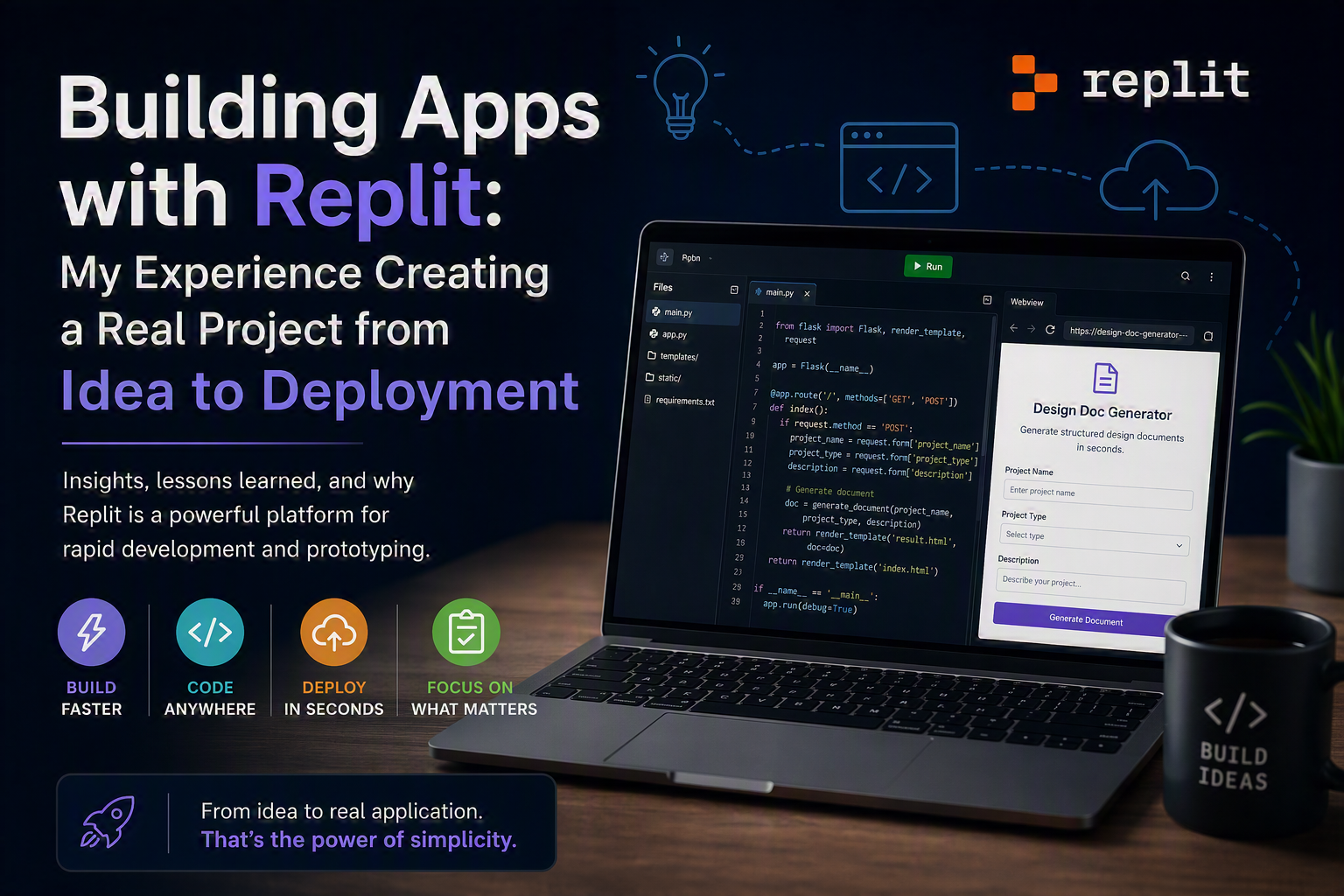

Over the past few months, I decided to explore a different approach to building applications: less local setup, less initial friction… and more focus on delivering value quickly.
That’s when I started using Replit.
And to really put it to the test, I built something useful. The result was this project:
The Starting Point
As a backend developer, especially in enterprise environments (Java, Oracle, complex integrations…), I’m used to:
- Heavy environment setup
- Corporate dependencies
- Controlled deployments
- A lot of overhead before writing useful code
Outside of that context, I started asking myself:
“What if I just want to build something quickly, iterate, and test an idea… without all that overhead?”
That’s exactly the gap Replit helped me fill.
First Impression: Incredible Speed
The biggest difference I felt was the time from idea → execution.
With Replit:
- You spin up an environment in seconds
- No installation required
- Backend and frontend can run in the same place
- Deployment is almost “built-in”
It completely changes your mental flow.
You move from:
“How do I configure this?”
to:
“What do I want to build?”
Building the Design Doc Generator
For this specific project, the idea was straightforward:
Create an app that helps generate structured technical documents—something close to a TDD or a design document.
The basic flow:
- The user provides project data
- The system organizes the information
- The app generates a structured, ready-to-use document
Why this project?
Because it reflects exactly what I do every day:
- Requirements analysis
- Translating business rules into technical solutions
- Producing structured documentation
In other words, this wasn’t a toy project—it’s something I would actually use.
What Replit Does Really Well
1. Integrated Environment
No need to configure:
- Runtime
- Server
- Dependencies
Everything is ready to go, which removes the biggest barrier to getting started.
2. Fast Iteration
You change the code and immediately see the result.
It sounds simple… but in practice:
- It significantly boosts productivity
- Encourages experimentation
- Reduces fear of making mistakes
3. Simplified Deployment
This was one of the highlights for me:
The app is instantly available online:
Without needing to:
- Manually configure cloud infrastructure
- Set up CI/CD pipelines
- Deal with deployment complexity
Where You Still Need to Be Careful
Not everything is perfect—and it’s important to be honest about that.
🔹 Limitations for Enterprise Applications
For the kind of systems I work with daily (PSRM, WebLogic, complex integrations):
- Replit doesn’t replace enterprise environments
- Infrastructure control is limited
- Complex architectures can be harder to reproduce
🔹 Dependency Management
In larger projects, you may miss:
- Advanced version control for dependencies
- Custom build configurations
🔹 Security and Governance
For real enterprise usage:
- You need to evaluate compliance requirements
- Access control
- Data security
Where Replit Truly Shines
After this experience, something became very clear:
Replit is perfect for:
- Rapid prototyping
- MVPs
- Small internal tools
- Personal projects
- Testing product ideas
The Biggest Lesson
The biggest takeaway wasn’t technical.
It was mental.
I started thinking differently:
- “Does this idea really need a complex project?”
- “Or can I validate it in just a few hours?”
That shift in mindset is extremely powerful.
What’s Next
This project is just the beginning.
I’m already thinking about next steps:
- Improving the structure of generated documents
- Adding different templates
- Integrating external APIs
- Automating the documentation flow even further
Conclusion
If I had to summarize:
Replit doesn’t replace enterprise development,
but it’s one of the best tools today to quickly turn ideas into real applications.
And honestly:
As a developer, there’s nothing more motivating than seeing your ideas come to life in minutes.
Leave a Comment