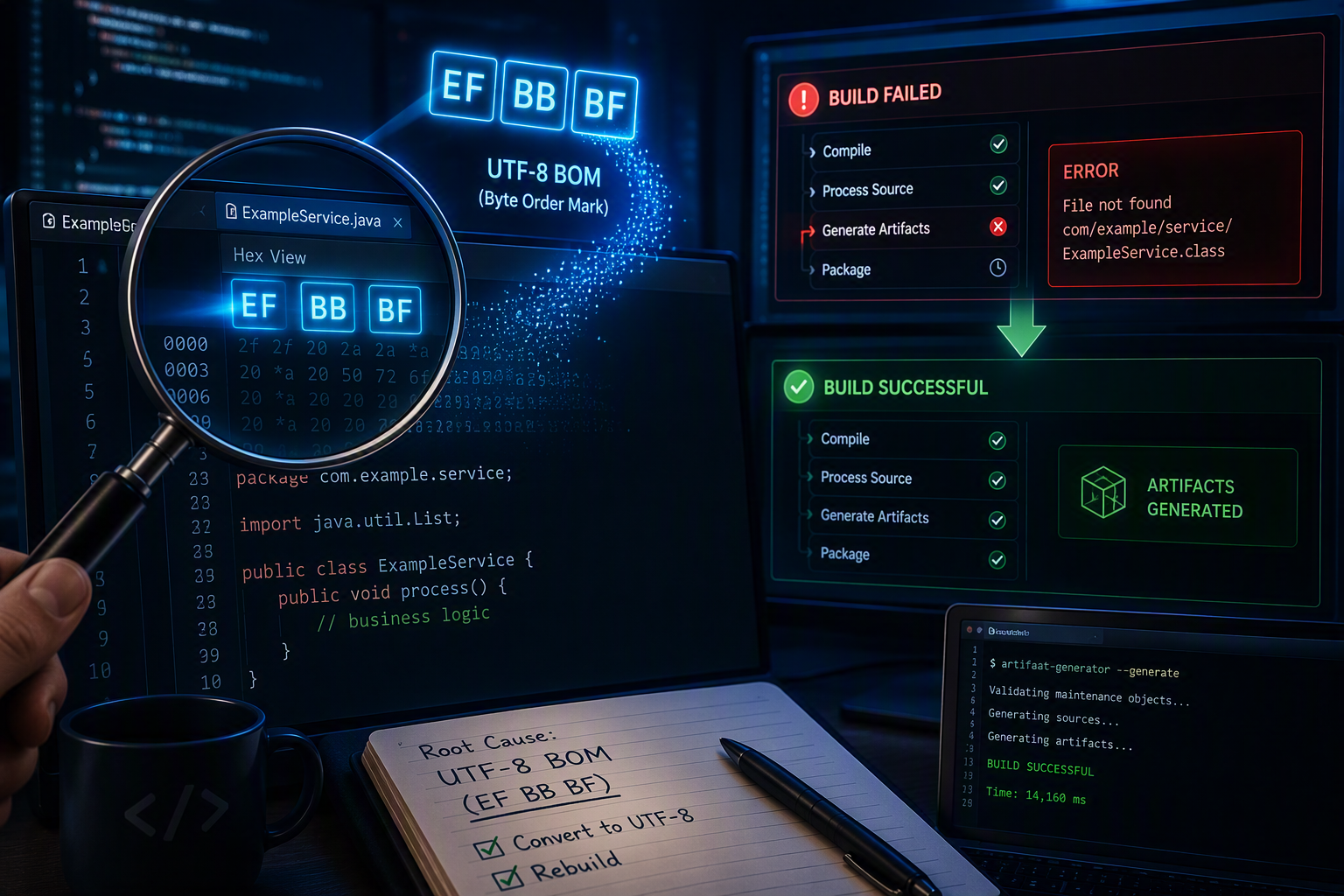

During a recent troubleshooting exercise, I encountered an interesting issue that reminded me why diagnostics should always be driven by evidence rather than assumptions.
The symptom appeared straightforward at first: an artifact generation process was failing on a specific Java implementation class.
The error message suggested that a referenced type could not be resolved, which naturally led the investigation toward package structure, dependencies, generated artifacts, classpaths, and build configuration.
Everything looked correct.
The interface existed.
The implementation existed.
The IDE resolved all imports successfully.
The project compiled without errors.
Yet the artifact generation process continued to fail.
Following the Wrong Trail
The reported error pointed to a class that implemented an interface:
public class ExampleHelper_Impl
        extends GenericBusinessComponent
        implements ExampleHelper {
}
The investigation initially focused on typical causes:
- Missing source directories
- Incorrect package declarations
- Missing generated classes
- Invalid build path configuration
- Dependency resolution problems
- Missing libraries in the generator classpath
Each hypothesis was tested and eliminated.
The source files were present.
The dependencies existed.
The IDE configuration was correct.
Everything appeared healthy.
The Clue Hidden in the Logs
The breakthrough came when inspecting the complete artifact generation log rather than the summarized error message.
Instead of a type resolution issue, the underlying exception was actually:
ParseException: syntax error @[1,1]This immediately changed the direction of the investigation.
Notice the position:
Line 1
Column 1
Not line 50.
Not line 200.
The very first character of the file.
That detail was critical.
Why Line 1, Column 1 Matters
When parsers fail at the first character of a source file, the problem is often unrelated to program logic.
Common causes include:
- Invalid encoding
- Hidden characters
- Corrupted file headers
- Unicode Byte Order Marks (BOM)
Modern Java compilers handle these situations gracefully in many cases.
Legacy parsers, however, may not.
Discovering the Real Root Cause
Opening the file in Notepad++ revealed something interesting:
UTF-8 BOMThe source file had been saved using UTF-8 with a Byte Order Mark.
The BOM inserts invisible bytes at the beginning of the file:
EF BB BFAlthough invisible to developers, those bytes become the very first characters encountered by a parser.
Many legacy parsers expect the source file to begin immediately with:
package ...When they encounter the BOM instead, they may throw a parsing exception before any Java code is analyzed.
Why the IDE Didn’t Complain
This is what made the issue so deceptive.
The IDE:
- Opened the file successfully
- Compiled the code successfully
- Resolved all references successfully
Meanwhile, the artifact generation tool:
Error: Failed before parsing the file
Both tools were examining the same file but using different parsing mechanisms.
One tolerated the BOM.
The other did not.
The Fix
The solution was surprisingly simple.
In Notepad++:
Encoding
→ Convert to UTF-8
Important:
Use:
Convert to UTF-8and not:
Encode in UTF-8The conversion removes the BOM marker while preserving the file contents.
After saving the file and rerunning the artifact generation process, the error disappeared completely.
No code changes were required.
Key Lesson
One of the most valuable lessons from this experience is that a reported error is not always the actual failure.
The visible symptom suggested:
Type resolution problemThe real root cause was:
File encoding issueWithout examining the original stack trace, it would have been easy to continue investigating classpaths, dependencies, and source generation indefinitely.
Final Thoughts
Legacy build tools often coexist with modern IDEs and compilers.
When they do, subtle differences in parsing behavior can produce confusing failures that appear completely unrelated to the true cause.
The next time you encounter:
ParseException @[1,1]or an unexplained parsing failure in a build or generation tool, take a moment to inspect the file encoding.
A hidden BOM might be all that stands between a failing build and a successful one.
Leave a Comment